Recipe: single sprite
A single pixel-art character with a transparent background, a deliberate 1-px outline, and colors snapped to a named palette.
What you get
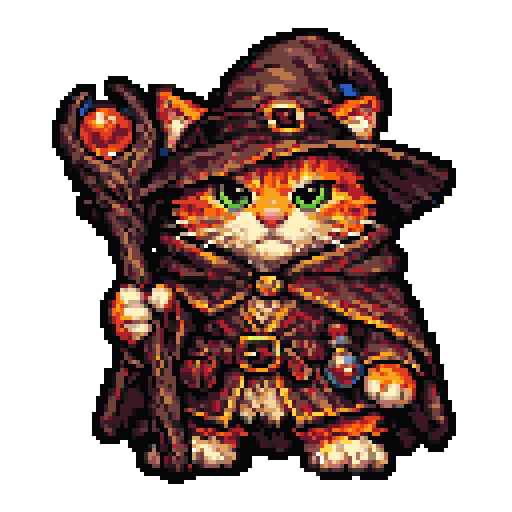
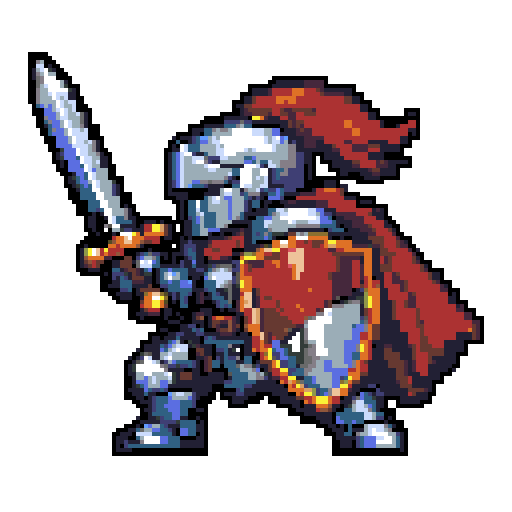
Command
Flags explained
| Flag | Meaning |
|---|---|
--size 128 |
Final square side in pixels. Pipeline Lanczos-downscales to 256 then nearest-neighbor-downscales to 128 so the grid stays crisp. |
--palette aap64 |
Named palette (see Palettes). Use auto to pick by subject keyword. |
--transparent-bg |
Runs rembg to cut out the subject and tight-crops the result so the sprite fills the frame edge-to-edge. |
--outline palette-darkest |
Adds a 1-px dark ring around the silhouette. The outline color is picked from each outline pixel's darkest opaque 8-neighbor so it participates in quantize and stays in-palette. |
--qa |
Runs the QA gates and writes a <output>.qa.json report. Hard-fail → non-zero exit. |
QA gates checked
palette_fidelity == 1.0(hard) — every opaque pixel is exactly a palette color.alpha_crispness >= 0.999(hard) — alpha is ~entirely 0 or 255.baseline_alignment(hard) — lowest opaque row has ≥3 contiguous opaque pixels, so the sprite stands on something.outline_coverage >= 0.85(soft) — silhouette boundary is in the darkest quartile of the palette.palette_coverage(soft) — warns at both tails to catch "all one color" or "every palette entry used" defects.
Tips
- For a tighter palette, pass
--palette autoand let the keyword matcher pick (e.g.stone→db32,tropical→aap64). - Drop the
--outlineflag for pre-rendered or painterly looks. - For 64×64 sprites, the
baseline_alignmentgate matters most — without it you'll get a floating character.